
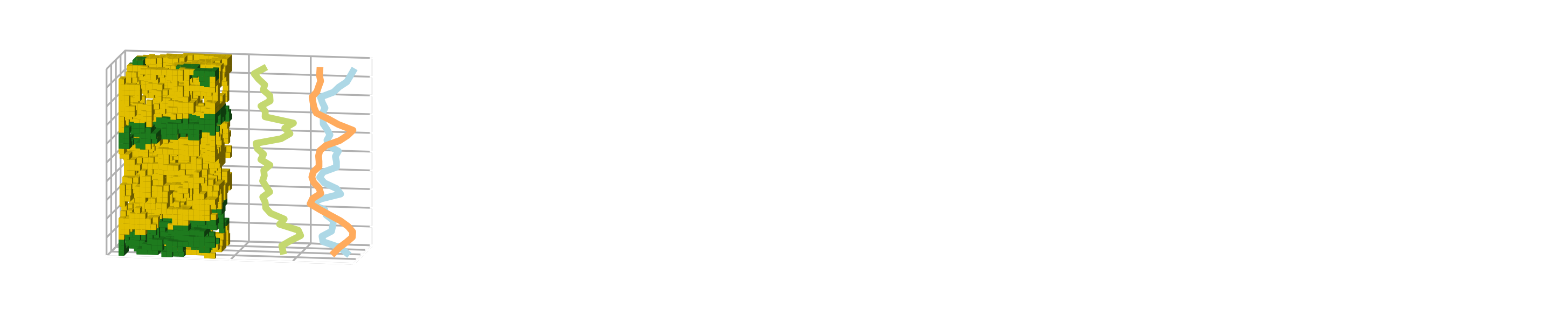
rockverse.viz.OrthogonalViewer.layout#
- property OrthogonalViewer.layout#
Get or set the figure grid layout. Allowed values are:
‘2x2’: Arranges the XY and ZY slices in the top row and the XZ slice and histogram in the bottom row, creating a 2x2 grid layout.
‘vertical’: Stacks the XY, XZ, and ZY slices vertically in a single column, and places the histogram below them.
‘horizontal’: Places the XY slice on the left, the ZY slice in the middle, and the XZ slice on the right, with the histogram below.
The default layout is ‘2x2’. This parameter allows for flexible visualization of the slices and histogram based on user preferences or specific analysis needs.
Examples
>>> layout = viewer.layout      #Get the current layout state
>>> viewer.layout = 'vertical'  #Set the grid layout to vertical mode