
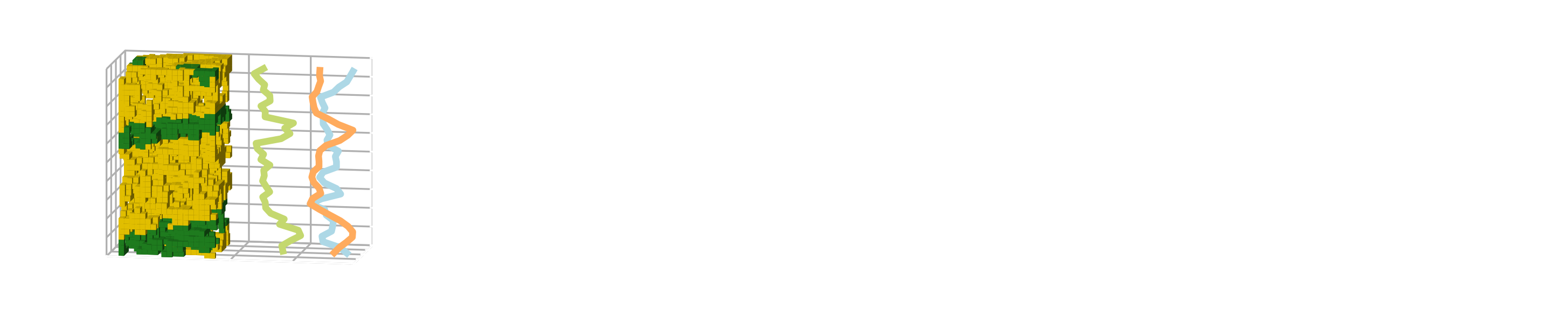
rockverse.viz.OrthogonalViewer.mask_color#
- property OrthogonalViewer.mask_color#
Get or set the color for the mask overlay.
This property defines the color used for the mask overlay displayed on the image slices. The color can be specified in any format accepted by Matplotlib, including named colors (e.g., ‘red’, ‘blue’, ‘royalblue’), RGB tuples (e.g., (1, 0, 0) for red), or hex codes (e.g., ‘#00FF00’ for green).
The chosen color will be used to visually indicate masked areas on the image.
Examples
>>> current_color = viewer.mask_color           # Get the current mask color
>>> viewer.mask_color = 'white'                 # Set the mask color to white
>>> viewer.mask_color = (0.25, 0.30, 0.25)      # Set the mask color using an RGB tuple
>>> viewer.mask_color = '#008000'               # Set the mask color using a hex code